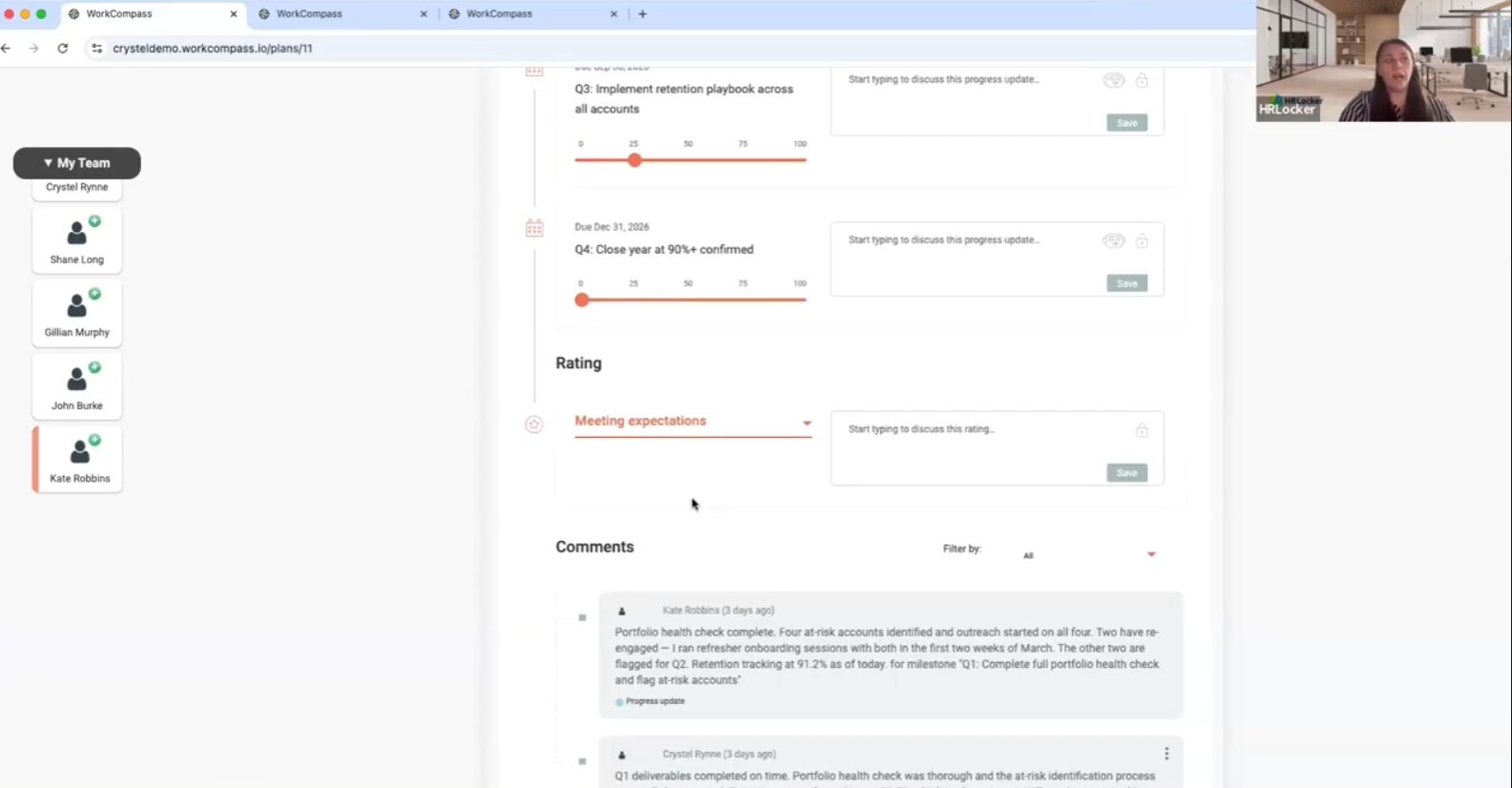
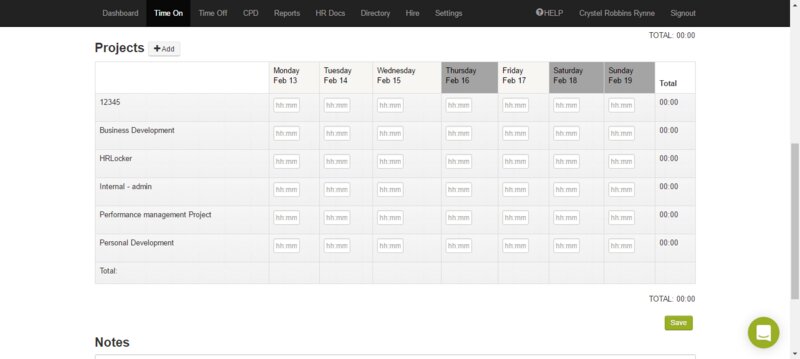
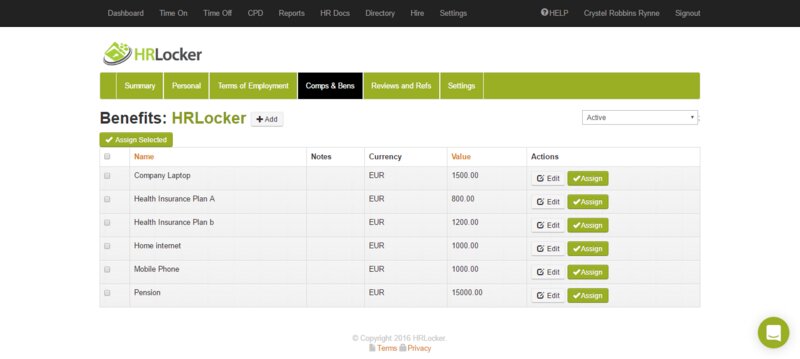

HRLocker is a cloud‑based HRIS for small and mid‑sized organisations that centralises employee records, absence and time tracking, recruitment/onboarding, training/certification tracking, and basic payroll prep.
Key features
- Employee records: Store contracts, right‑to‑work documents, and personal details in one secure hub, reducing spreadsheet clutter and easing audit readiness.
- Leave and absence management: Employees request time off via the portal, and managers approve with automatic balance updates, removing manual tracking and reducing booking errors.
- Time & attendance and timesheets: Staff can clock in/out or log hours on phones, tablets, or computers; entries convert to timesheets and can be allocated to project codes for cost tracking.
- Recruitment & onboarding (HRLocker Recruit): Create job posts, manage applicants through a pipeline, and centralise onboarding steps so new hires start with the required documents and tasks completed.
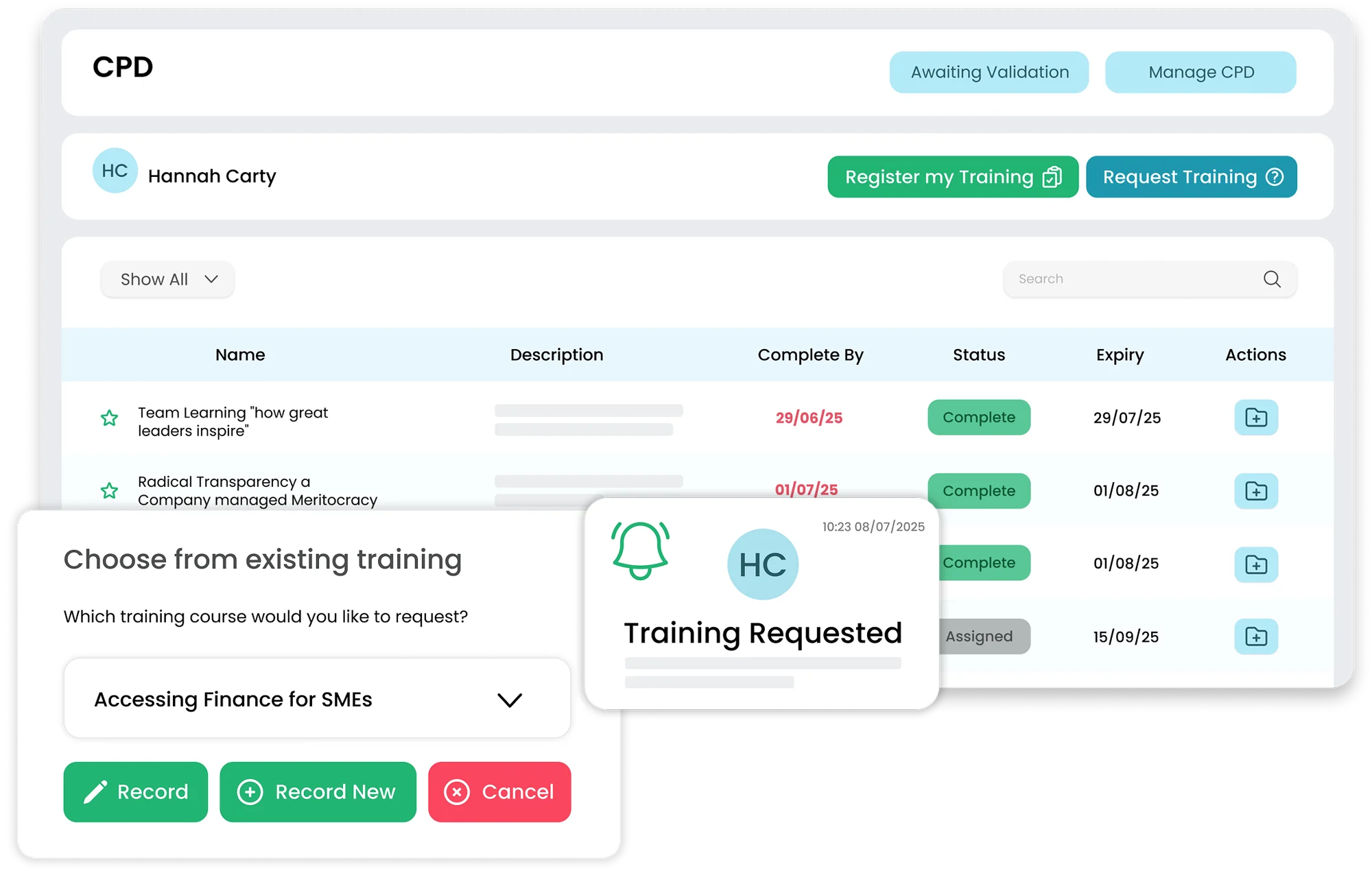
- Certifications & compliance: Monitor qualifications and expiry dates with automated reminders to minimise lapses in required training or licences.
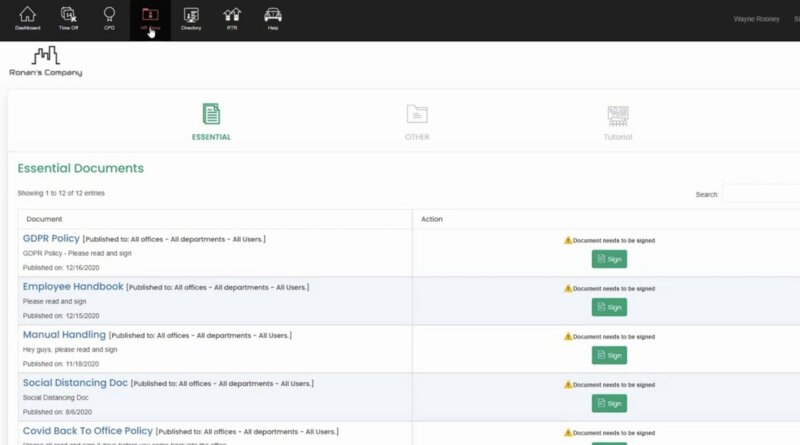
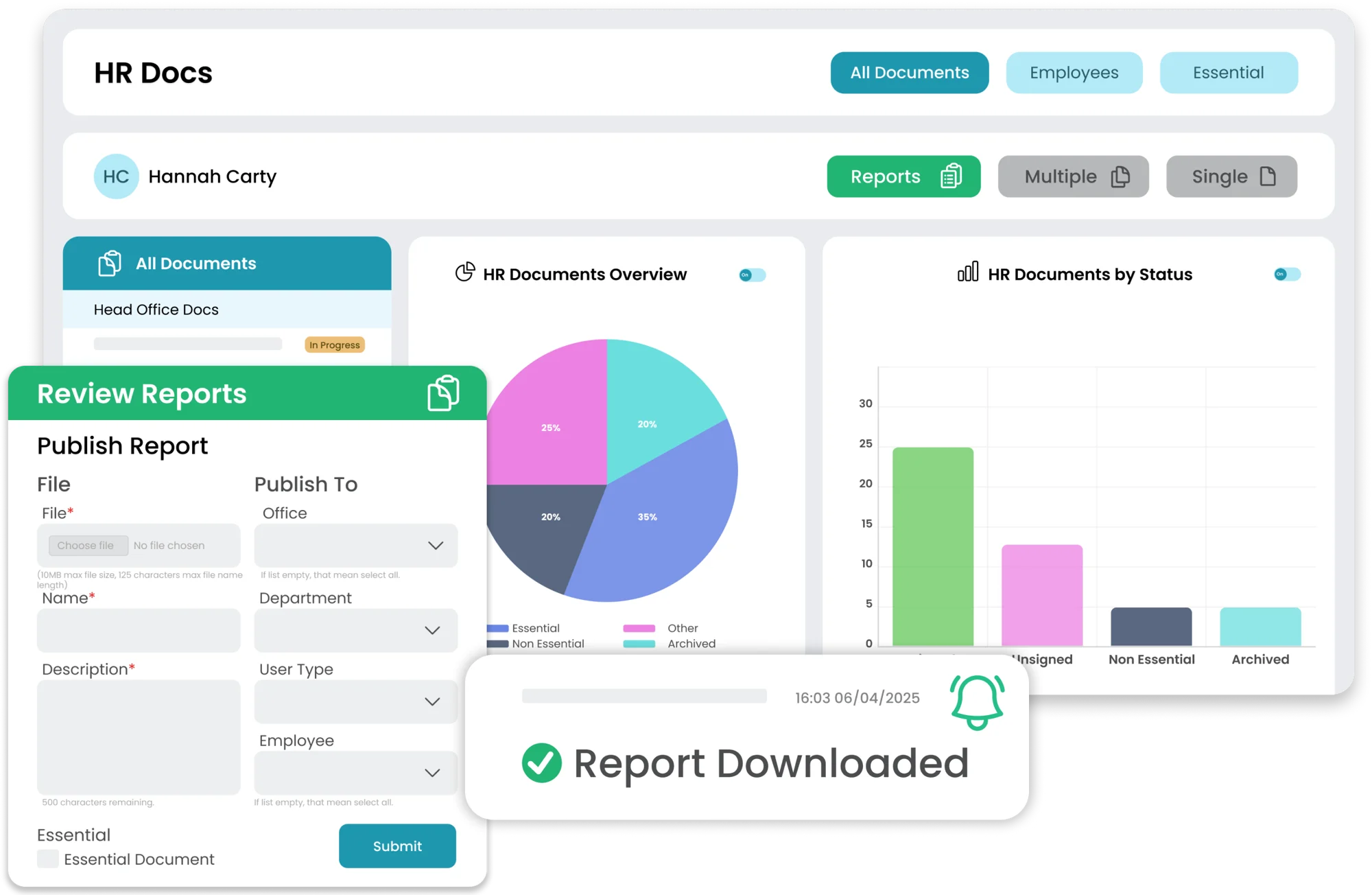
- HR documents & e‑sign: Store policies and collect employee acknowledgements (click‑to‑sign) to keep a verifiable record without paper chasing.
- Reporting & analytics: Built‑in reports help spot absence patterns, monitor working hours, and prepare payroll exports, supporting regulatory compliance and operational decisions. The intuitive design and the ability to pull specific reports quickly are common talking points among reviewers.
Software features
- Absence Management
- Benefits Enrollment
- Compensation
- Employee Self Service
- Health & Safety
- Manager Self Service
- On & Off Boarding
- Performance Management
- Recruitment
- Reviews
- Time & Attendance
- Training & Skills
- Vacation & Sick Leave
- Workflow
- Workforce Analytics
Quick spec
Product details
Organization Size
- Enterprise (1000+ Employees)
- Medium (251-1000 Employees)
- Small (1-250 Employees)
Platform
- Cloud
Mobile Compatibility
- Android App
- iOS App
- Web App
Your comparison
Download more information
HRLocker
Download your extended software profile for HRLocker. Get more information about features and pricing.
DownloadWork for HRLocker?
Update the HRLocker profile with your latest feature, screenshots and pricing to reach more buyers. Click the link below to get started.
Update this profileRelated articles

-
Your HRMS requirements guide and features list
What should your HRMS requirements be, and what features do you need to meet them?
-
Your complete HRMS RFP guide (with free HRMS RFP template)
How to construct the perfect HRMS RFP, and a customizable HRMS RFP template to start you off
-
How much HRMS costs and how to set your budget
All the info you need to calculate how expensive a new HRMS will be

HRLocker
Pricing Guide
HRLocker
Download your pricing guide by completing the form below.
HRLocker
Price Quote
HRLocker
Complete the form below to access a video demo of this software.
Quickly Compare with Similar HRMS Systems
Other Users often Compare these Four Solutions
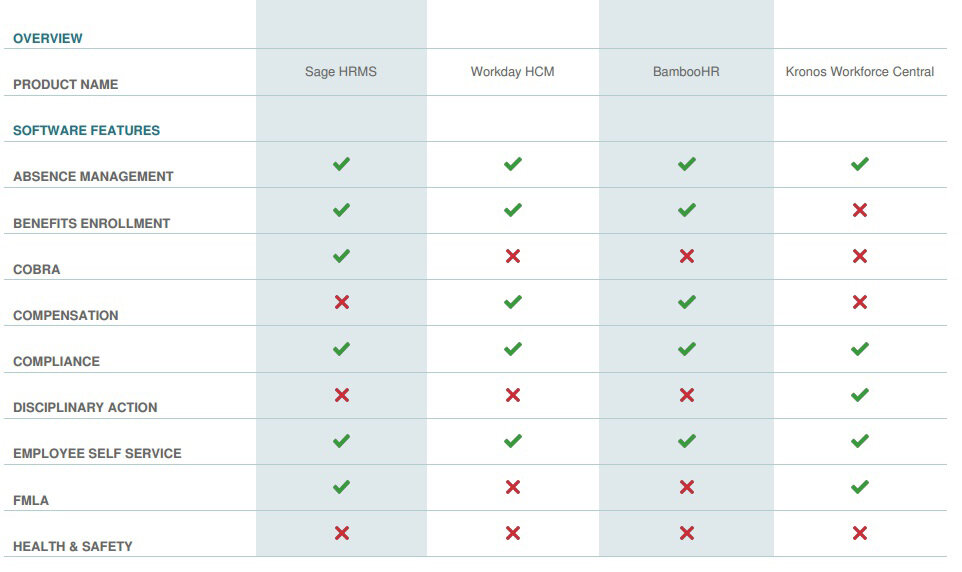
Get Your HRMS Software Comparison
Download your bespoke report in a single pdf.
HRLocker
Extended Software Profile
HRLocker
Get your extended software profile by completing the form below.
HRLocker
Extended Software Profile